The Builder PM Prototype
Built in 2 Hours with AIMaison Aurel
The Sélène Bag
Luxury Handbag, Design Your Own
The Sélène Collection
Crafted to be yours.
Configured by you.
Configured by you.
Each Sélène begins as a silhouette and becomes a statement. Choose your shape, leather, hardware, and personal touch below.
↓ Begin Your Design
Classic · Noir Calfskin · Polished Gold
1
Silhouette
2
Leather
3
Hardware
4
Personalization
5
Complete the Look
Your Sélène
Select options...
Your Sélène, Designed by You
Complimentary shipping, 2 to 5 days
Signature gift wrapping
14-day complimentary returns
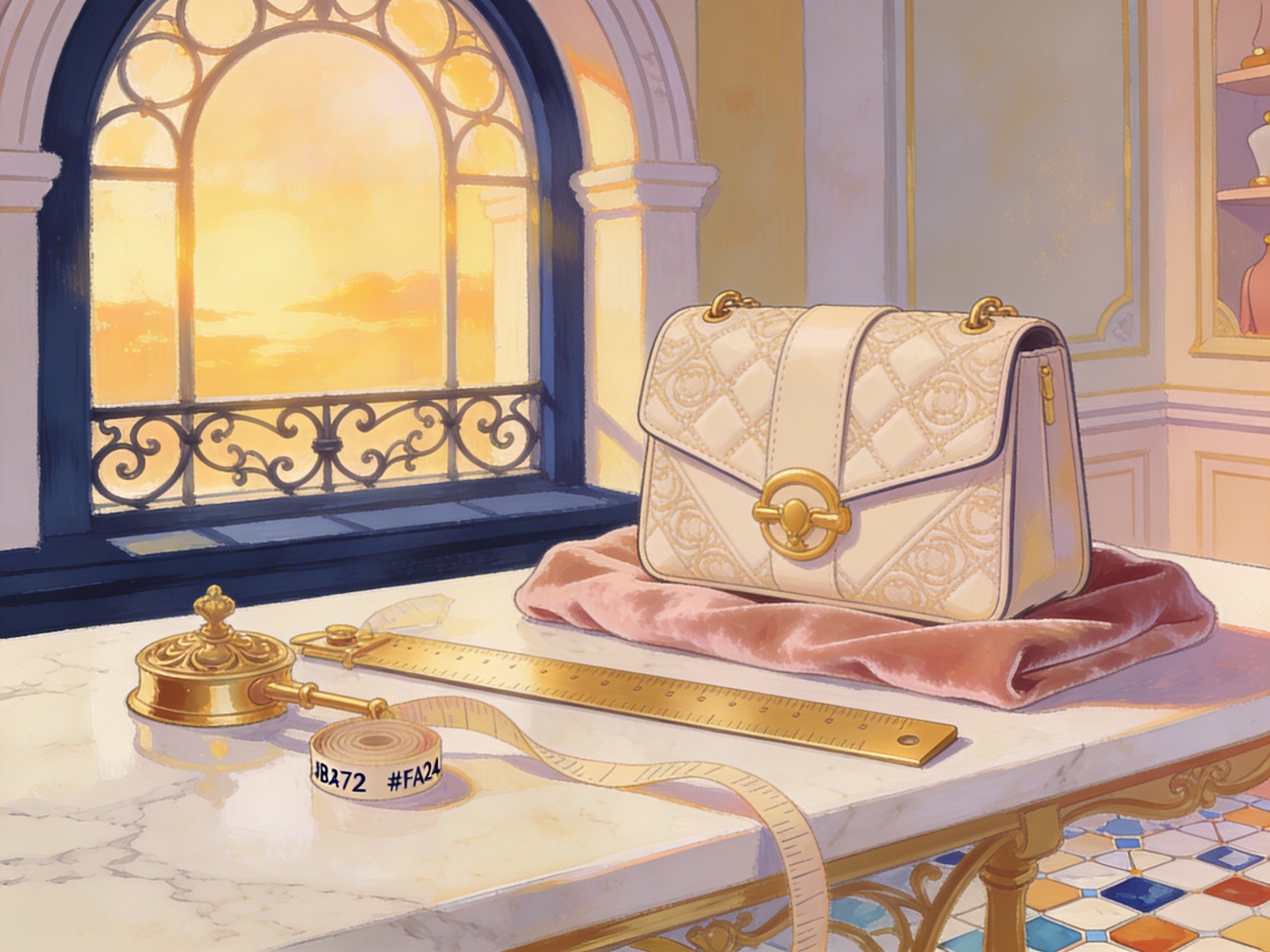
The Atelier
Made by hand. Measured by eye.
Every Sélène begins on a marble cutting table in our Florentine atelier. A master artisan selects the hide, marks the pattern, and cuts each panel by hand. The quilted motif is embossed at 180°C using a brass die cast from the original 1962 design.
18
Hours per bag
1962
Original die
180°
Emboss temp
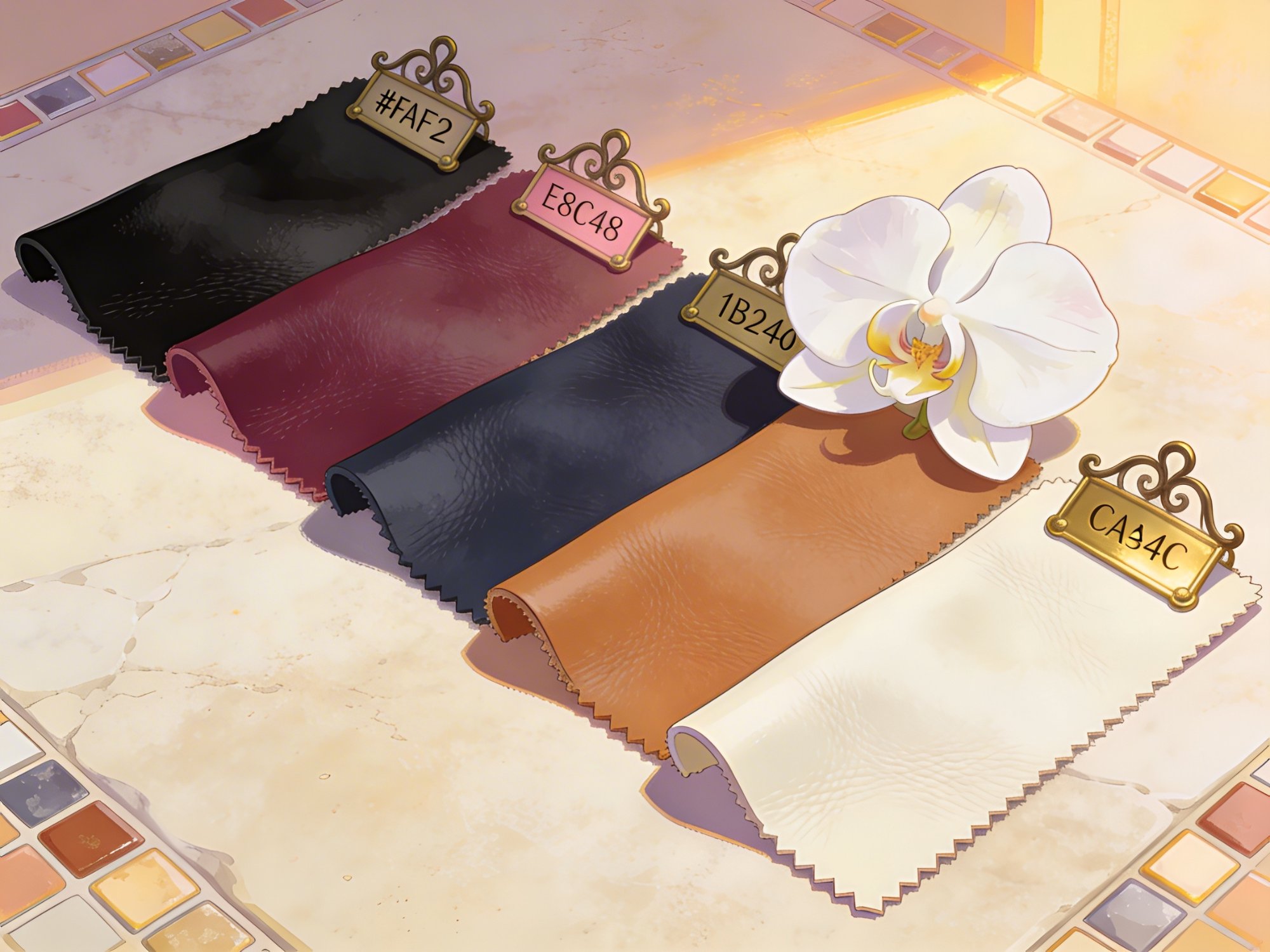
Materials
Four leathers. One standard.
Each hide is sourced from tanneries in Tuscany and the Pyrénées, selected for grain consistency and natural character. Calfskin for structure. Lambskin for softness.
Noir
Cognac
Crème
Bordeaux
28
Days tanning
4
Leathers
Dimensions
Three silhouettes. One intention.
Mini
20 × 14 × 7 cm
Evening companion. Fits phone, cards, lipstick. Adjustable chain strap for crossbody or shoulder.
340g
Weight
38 / 55 cm
Strap Drop
$2,800
From
Most Popular
Classic
25 × 17 × 8 cm
Day to night. Interior zip pocket and two flat compartments. The silhouette that started the collection.
480g
Weight
38 / 55 cm
Strap Drop
$3,200
From
Tote
32 × 28 × 12 cm
Carries your world. Structured base, magnetic top closure. Fits a 13" laptop with room to spare.
620g
Weight
42 / 58 cm
Strap Drop
$3,600
From
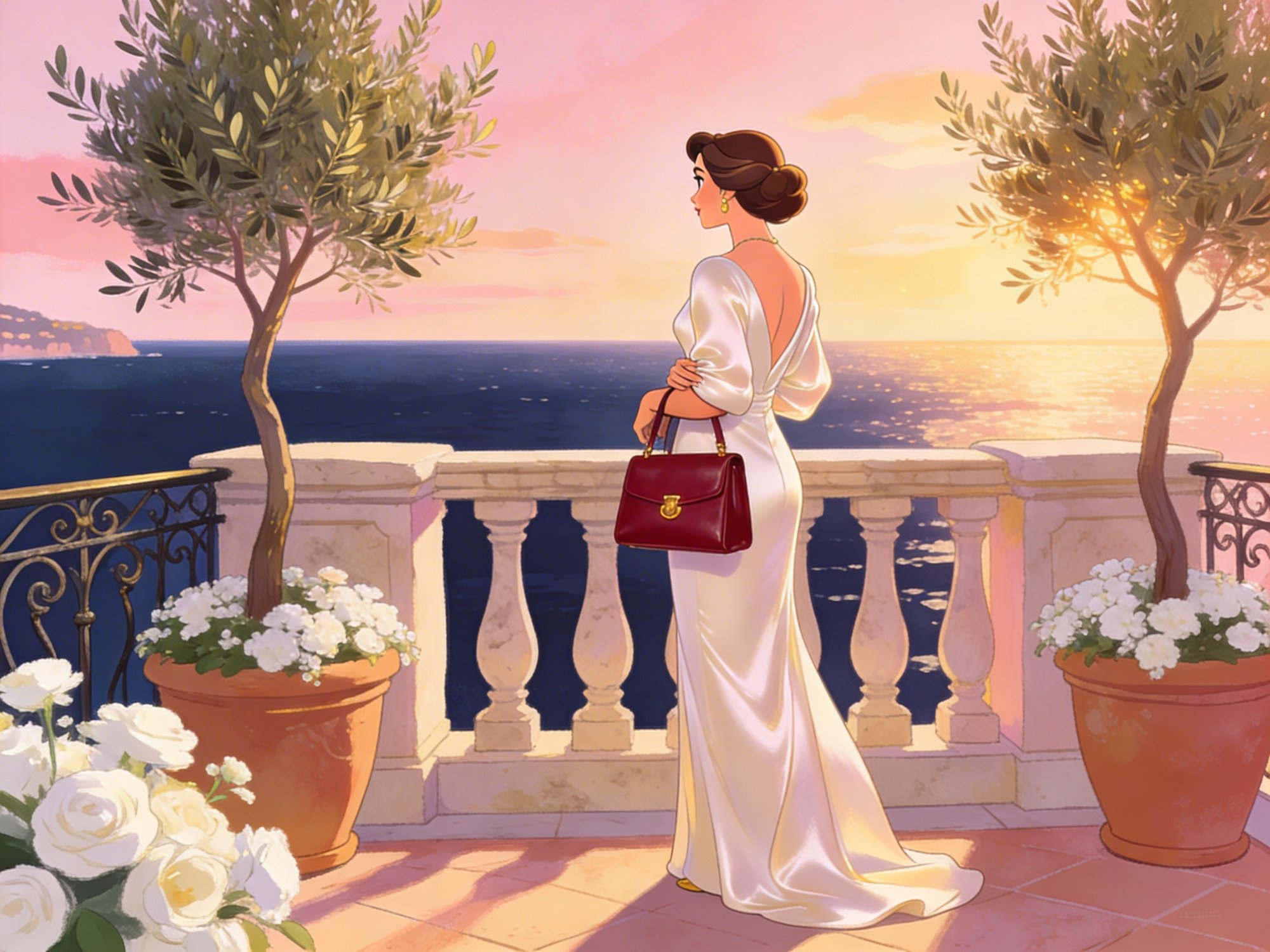
The Classic in Bordeaux
Mediterranean sunset, hand-delivered.
Built to carry from boardroom to boulevard. Structured enough for your day, soft enough for your evening. The Bordeaux grain deepens in warm light.
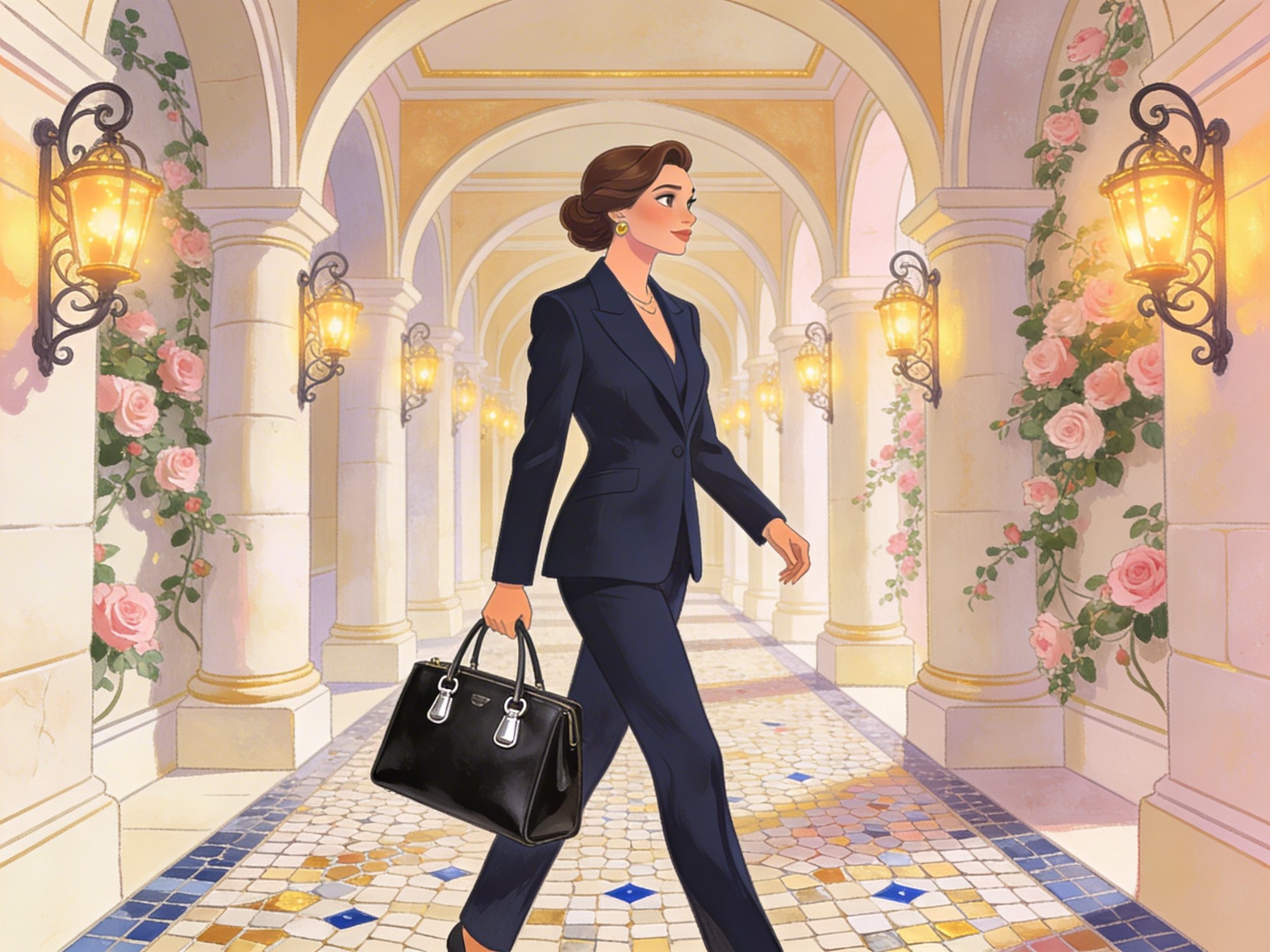
The Tote in Noir
Boardroom to boulevard.
Noir Calfskin with Palladium hardware. 32 centimeters of structured elegance that fits a 13-inch laptop, a notebook, and everything in between.

A Quiet Moment
Designed for the pause.
The Mini in Cognac Saddle. Gold hardware catching afternoon light. The Sélène was not designed for runways. It was designed for the table next to your espresso, the seat beside you at dinner, the hand that reaches for it without looking.
A bag should feel like it has always been yours.
A bag should feel like it has always been yours.
Our Services
The Maison Aurel Experience
Signature Gift Wrapping
Every order arrives in a couture trunk lined with hand-pleated tissue and sealed with the Maison Aurel wax emblem.
Personalized Message
A hand-set letterpress card with your words, tucked beneath the ribbon. Because a few lines can carry an emotion a gift alone cannot.
Complimentary Delivery
Fully insured express shipping on every order. White-glove delivery within 2 to 5 business days, with real-time tracking from atelier to door.
Certificate of Authenticity
Each Sélène ships with a signed certificate, a unique serial number, and a care guide for the leather you selected.
Hot Stamp Engraving
Gold foil initials pressed by hand in our Florentine atelier. Up to three characters on the interior flap, visible only to you.
Private Consultation
Book a one-on-one session with a Maison Aurel advisor. Virtual or in-boutique. They will guide your configuration and answer every question.